
Unlock Creative Possibilities with the Insta360 X5 Camera
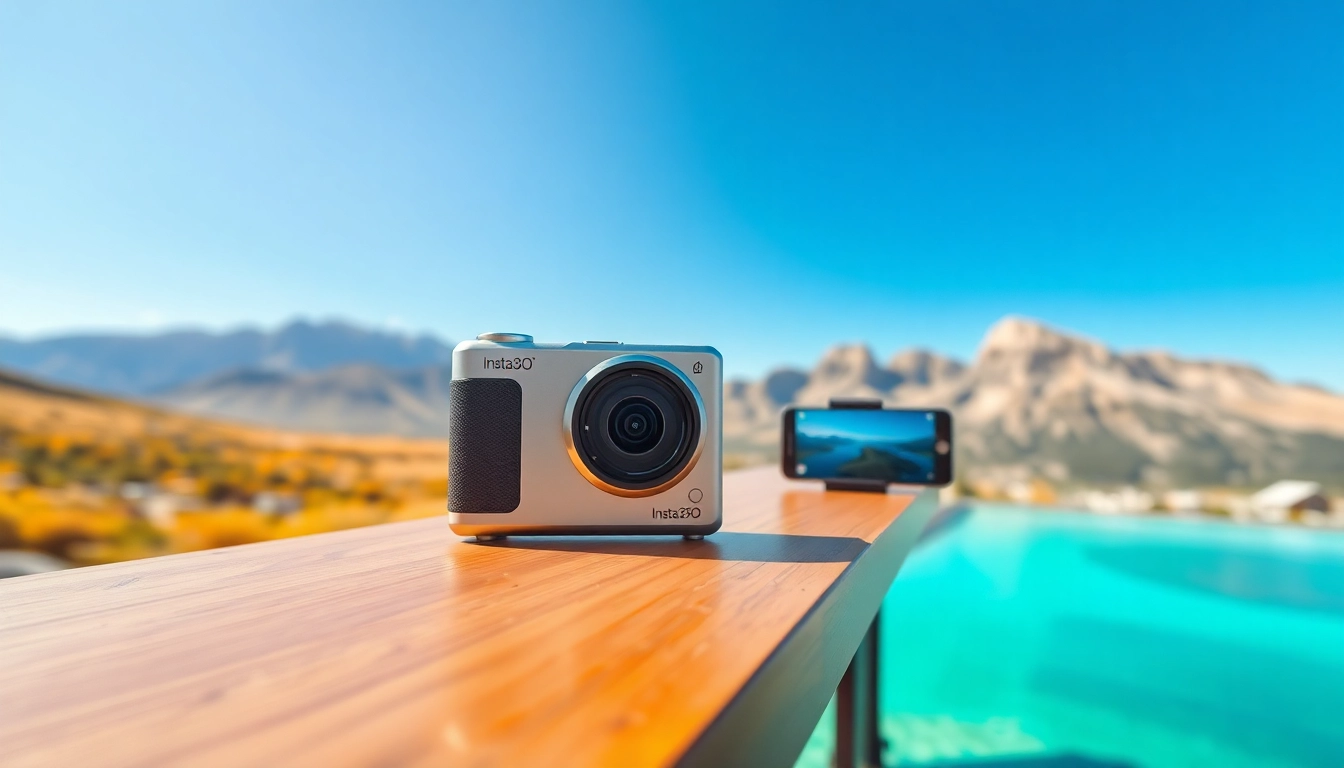
Understanding the Features of the Insta360 X5
1. Camera Specifications and Design
The Insta360 X5 is a remarkable device designed for both amateur and professional photographers seeking high-quality 360-degree imagery. This camera showcases a compact, ergonomic design, making it easy to handle during extensive shooting sessions. Weighing approximately 250 grams, it features a robust build that is both lightweight and durable. The Insta360 X5 boasts an impressive resolution that captures images at a breathtaking 5760×2880 pixels, ensuring that every shot is crisp and vibrant.
The camera’s dual-lens setup facilitates seamless 360-degree capture, allowing users to immerse themselves in their surroundings and record life from every angle. Furthermore, the lenses are engineered for low-light performance, enabling users to capture stunning visuals even in challenging lighting conditions.
2. Versatile Shooting Modes
One of the standout features of the Insta360 X5 is its versatile shooting modes. The camera supports a variety of shooting options including standard photo mode, video mode, and time-lapse features. Each mode brings unique capabilities, allowing users to explore their creativity.
In photo mode, users can capture high-resolution stills, while video mode allows for dynamic recording at various frame rates including 30fps and 60fps, catering to both slow-motion and standard playback. The time-lapse feature empowers creators to depict the passage of time elegantly, perfect for capturing sunsets or bustling cityscapes. Coupled with hyperlapse functionality, the Insta360 X5 stands out in providing immense flexibility to its users.
3. Connectivity and Compatibility Benefits
The connectivity options of the Insta360 X5 enhance its usability significantly. It offers Wi-Fi and Bluetooth connectivity, enabling seamless transfer of media to smartphones or other devices for quick sharing, editing, and storage. The camera is compatible with popular smartphones, allowing for remote control via an app, thus elevating the user experience.
Additionally, the Insta360 X5 supports a variety of accessory add-ons, including tripods, mounts, and gimbals to further improve stability and control during filming. This ability to expand with additional accessories means that the camera can adapt to various shooting scenarios, whether you’re shooting a vlog, capturing tutorials, or documenting travel adventures.
Setting Up Your Insta360 X5 for Success
1. Initial Setup and Firmware Updates
To get started with your Insta360 X5, it’s crucial to familiarize yourself with the initial setup process. First, charge your camera fully using the provided USB cable. Then, download the Insta360 app, available on both iOS and Android platforms, to assist with the configuration.
During setup, ensure to check for firmware updates. Keeping your camera’s firmware up to date is essential; it not only enhances performance but also adds new features over time. The app prompts users to update when connected, making this process straightforward.
2. Accessory Add-ons for Enhanced Experience
Accessorizing your Insta360 X5 can vastly improve your experience and result in better footage. Essential accessories include a high-quality tripod for stable shots, a remote control for hands-free operation, and extra batteries for extended shooting sessions. Consider investing in ND filters to manage exposure during bright outdoor shoots effectively.
Gimbals can also be beneficial for dynamic environments, ensuring smooth video capture even while on the move. These accessories expand the camera’s capabilities and enable users to focus on their creativity instead of on managing equipment.
3. Recording Tips for Optimal Performance
Maximizing the potential of your Insta360 X5 involves understanding how to record effectively. Begin with proper lighting; shooting in good natural light significantly enhances quality. For indoors, consider supplemental lighting to offer clarity and detail.
Furthermore, utilize the camera’s various shooting modes appropriately. Experiment with different angles and perspectives to discover unique shots. Moving the camera slowly during recording can mitigate distortions and enhance stabilization, ensuring that viewers enjoy a smooth, engaging viewing experience.
Capturing Stunning Visuals with Insta360 X5
1. Advanced Techniques for Dynamic Shots
To capture breathtaking visuals with the Insta360 X5, innovative shooting techniques are essential. Utilize the camera in diverse settings—nature trails, urban environments, or crowded events enable dynamic backgrounds. Consider employing aerial shots using drones or extending selfie sticks to achieve remarkable perspectives.
Additionally, engage in motion shot techniques, such as walking while recording. This adds a layer of storytelling to your visuals, immersing viewers in the experience. With the camera’s ability to capture in all directions, this style can create an engaging narrative.
2. Editing and Enhancing Your Footage
Editing is a crucial step in post-production, transforming raw footage into captivating stories. The Insta360 app provides powerful editing tools, including smart stitching features to combine 360-degree footage seamlessly. Users can utilize filters and transitions to enhance the visual appeal and narrative flow.
Moreover, music integration can be a game-changer for setting the right mood. Syncing footage to rhythm through the app allows users to create professional-looking content with minimal effort. Consider exploring third-party editing software for more advanced capabilities, enabling creative freedom.
3. Leveraging Social Media for Sharing Content
In an age where social media drives engagement, sharing your Insta360 X5 captures effectively is key. Platforms like Instagram, TikTok, and YouTube are ideal for showcasing your content. Tailor your footage to the platform’s specs; for example, use square formats for Instagram posts while opting for widescreen for YouTube videos.
Use relevant hashtags and engaging captions to draw the audience’s attention. Collaborative posts with other creators can increase visibility and expand reach. Take advantage of Insta360’s dedicated community platforms to share and exchange feedback, fostering growth and engagement.
Troubleshooting Common Issues with Insta360 X5
1. Common Error Messages and Fixes
While the Insta360 X5 is designed for user-friendly experience, you might encounter common error messages. For instance, if you receive a low storage warning, connect the camera to your app and delete unnecessary files to free space.
If the camera fails to connect to Wi-Fi, ensure the app is up to date and restart both the camera and your smartphone. Lastly, if facing battery issues, check for power-hungry settings in your configuration or replace the battery if it is old.
2. Battery Life Management Tips
Managing battery life efficiently is critical during shooting sessions. Start by disabling Wi-Fi and Bluetooth when not in use, as these features can drain battery life quickly. Lowering the resolution or the video quality settings can also prolong battery usage, especially in longer recording sessions.
Additionally, carrying spare batteries can ensure that you’re well-prepared during events or extended shoots, allowing for more flexibility without interruption.
3. Maintaining Your Camera for Long-term Use
To ensure the longevity of your Insta360 X5, regular maintenance is crucial. Always clean the lenses with a microfiber cloth after use to avoid smudges and dust accumulation. Store the camera in a protective case when not in use to shield it from physical damage and adverse weather conditions.
Periodically check firmware updates and optimize settings for your specific shooting conditions to keep the camera operating seamlessly. With proper care, the Insta360 X5 can serve you for many years of creative exploration.
Engaging with the Community around Insta360 X5
1. Joining Online Forums and Support Groups
Engagement with the broader photography community can significantly enhance your experience with the Insta360 X5. Online forums and support groups provide platforms for users to share tips, ask questions, and seek advice about settings and techniques.
These communities often feature user-generated content showcasing creative uses of the camera, offering inspiration for your projects. Participation can also lead to collaborative opportunities with fellow enthusiasts.
2. User Experience Sharing and Learning
Sharing experiences and learning from fellow users can be an enriching endeavor. Consider participating in workshops and online classes that focus on 360 photography to refine your skills further. Additionally, many users post video tutorials and reviews that provide insights into the camera’s capabilities and tips for maximizing potential.
Documenting your journey and sharing it on social platforms can also generate interest and build a following, facilitating an interactive learning environment.
3. Future Trends in 360 Photography
The future of 360 photography is poised for remarkable advancements, with technology continually evolving. Emerging trends include enhanced AI integration for automated editing features, which can significantly streamline the post-production process.
Furthermore, the growing popularity of virtual reality experiences suggests an increased demand for high-quality 360-degree content. As more individuals and businesses adopt these technologies, being at the forefront of this movement could open a plethora of opportunities for creative expression using the Insta360 X5.
Frequently Asked Questions
1. How do I clean my Insta360 X5 lenses?
Use a microfiber cloth specifically designed for camera lenses. Avoid harsh chemicals that could damage the surface.
2. Can I use the Insta360 X5 in low light?
Yes, the Insta360 X5 is designed to perform well in low-light conditions, but using additional lighting can enhance quality.
3. How do I transfer footage from my camera to my phone?
Connect the camera via Wi-Fi to the Insta360 app, and use the app’s media manager to transfer files easily.
4. What accessories do I need for the Insta360 X5?
Consider a tripod, additional batteries, a gimbal for stabilization, and filter kits for light control.
5. Can I edit videos directly on the Insta360 app?
Yes, the Insta360 app features robust editing tools that allow you to stitch footage and apply effects directly.