Understanding the Virtual Desktop
What is a Virtual Desktop?
A virtual desktop refers to a workstation that exists in a virtual environment rather than being tied to a specific physical device. This innovative solution allows users to access their operating systems and applications from any location, using various devices, making it an integral part of modern computing architecture. Unlike traditional desktops that are dependent on the hardware, virtual desktops empower users to operate their systems over the cloud or local servers, providing greater flexibility and ease of management.
Essentially, a virtual desktop encapsulates a user's profile, applications, data, and settings into a virtual machine that can be accessed remotely. This technology is particularly beneficial for businesses looking to enhance mobility, support remote workforces, or streamline IT management. The idea is that the user experiences the same environment tailored to their needs, regardless of the device they use to log in.
Key Features of Virtual Desktop
Virtual desktops come equipped with several critical features that enhance user experience and boost organizational efficiency. Here are the most noteworthy:
- Remote Access: One of the primary features of a virtual desktop is the ability for users to access their desktop environments virtually from any device with internet capability, providing seamless transitions between locations and devices.
- Centralized Management: Administrators can manage and secure the virtual desktops globally from a central point, simplifying updates, patches, and user management.
- Scalability: Virtual desktop solutions can be easily scaled up or down to meet the changing needs of a business, allowing organizations to efficiently manage resources in line with demand.
- Cost Efficiency: By reducing the need for high-end hardware, organizations can cut back on hardware costs, maintenance, and software licensing, ultimately realizing significant financial savings.
- Enhanced Security: Virtual desktops enhance security by keeping data centralized, reducing the risk associated with data breaches from individual devices.
The Evolution of Virtual Desktop Technology
Virtual desktop technology has evolved significantly over the years. Initially, systems were limited in capability and relied heavily on robust network connections. However, advancements in cloud computing shifted this paradigm, allowing for better performance and reliability.
With the advent of high-speed internet and improved virtualization techniques, solutions became faster and more stable. Today, organizations can leverage sophisticated tools such as Desktop as a Service (DaaS), which allows them to deploy virtual desktops with minimal overhead quickly. This evolution has directly resulted in increased efficiency and productivity for businesses globally, showcasing the virtual desktop as a game-changer in enterprise environments.
Benefits of Implementing a Virtual Desktop
Enhancing Work Efficiency
One of the most significant benefits of virtual desktops is the boost in work efficiency they provide. With a virtual desktop, employees can access their work environments from anywhere, enabling them to be productive even outside traditional office hours. This aspect promotes flexible work arrangements, leading to improved morale and retention rates.
The centralized nature of virtual desktops also means that applications and updates can be handled seamlessly, reducing downtime and increasing employee productivity. Moreover, employees can enjoy virtually instant access to needed applications and files without being hindered by different operating systems or locations.
Cost Savings and Resource Management
Implementing a virtual desktop can lead to significant cost savings for organizations. By centralizing resources on virtual machines, companies can reduce hardware costs as employees do not need high-end devices to access their virtual desktops. Instead, even low-cost devices can serve as workstations, as processing is handled remotely.
Additionally, virtual desktops lower the total cost of ownership through reduced maintenance and management expenses. IT teams can manage updates, security, and troubleshooting from a single location, significantly improving resource allocation and effectiveness.
Flexibility and Accessibility
The flexibility and accessibility of virtual desktops profoundly impact how businesses operate. As organizations grow, they may have branch offices in different locations, and having a reliable virtual desktop solution ensures that all employees, regardless of location, have access to the same tools and data.
This accessibility fosters collaboration across teams and departments as employees can easily share files and workloads without geographical constraints. Remote work has become increasingly significant in recent years; virtual desktops facilitate this transition, allowing organizations to maintain productivity while leveraging a workforce that is no longer limited by physical office locations.
Setting Up Your Virtual Desktop
Choosing the Right Software
When it comes to setting up a virtual desktop, the first step is selecting the appropriate software solutions. Numerous options are available in the market, from simple desktop virtualization solutions to more complex DaaS offerings. Factors to consider when choosing software include:
- Compatibility: Ensure the software is compatible with your current infrastructure and operating systems.
- Scalability: Choose software that can grow with your organization’s needs.
- Support and Security: Look for software with robust support and security features, as this will play a crucial role in protecting organizational data and ensuring smooth operations.
- Cost: Evaluate the overall cost, including licensing fees, cloud storage, and overall maintenance expenses.
Hardware Requirements for Optimal Performance
While virtual desktops reduce reliance on high-end physical devices, hardware still plays a critical role in achieving optimal performance. Key hardware considerations include:
- Network Infrastructure: A reliable and high-speed internet connection is paramount. Evaluate your network capabilities to ensure you can handle the bandwidth demands of virtual desktop environments.
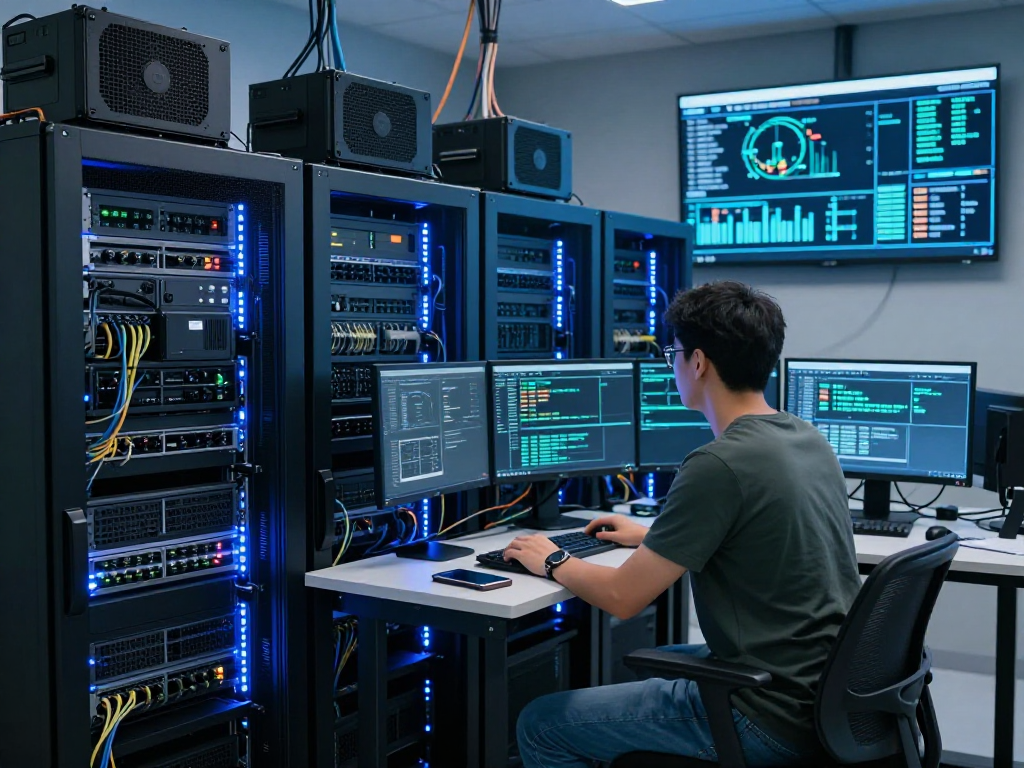
- Servers: Depending on the chosen solution, ensure that your servers are equipped with sufficient processing power and memory to manage the number of virtual desktops required.
- Client Devices: While user devices do not need to be top-tier, ensure that they are capable of running the required software and supporting smooth access to the virtual desktop.
Step-by-Step Installation Process
Installing a virtual desktop can seem daunting, but following a structured approach can simplify the process.
- Assessment: Begin by assessing your existing infrastructure, understanding the hardware and software requirements needed to implement a virtual desktop.
- Choose a Provider: Research and select a service provider that fits your needs, considering factors such as cost, support, and scalability.
- Set Up Infrastructure: Ensure your network and server infrastructure is capable of supporting the virtual desktop instances you plan to deploy.
- Deploy the Solution: Follow the installation guidelines provided by your chosen software vendor to deploy the virtual desktops across your organization.
- Testing: Conduct testing to ensure all systems are functioning correctly before rolling them out to employees.
- Rollout: Introduce the virtual desktops to your workforce gradually, providing training and support as needed during the transition.
Common Challenges with Virtual Desktop
Connectivity Issues and Solutions
One of the common challenges associated with virtual desktops is connectivity issues, which can significantly hinder productivity. Slow connections or network downtimes can frustrate users and limit access to essential resources.
To mitigate these issues, organizations can implement quality of service (QoS) to prioritize network traffic for virtual desktop applications, ensure redundant network connections, and regularly monitor bandwidth usage. Working with IT departments to develop a robust support plan can also address connectivity speed and reliability.
Security Concerns in a Virtual Environment
As with any technology, security concerns arise with virtual desktops. The virtual nature of these environments means that they can be potential targets for cyber threats. Protecting sensitive data requires multi-layered security strategies.
Implementing robust firewalls, endpoint protection, data encryption, and access controls are essential. Additionally, continuous monitoring and auditing of security protocols help to identify vulnerabilities and mitigate potential threats proactively.
Managing Multiple Virtual Desktops Effectively
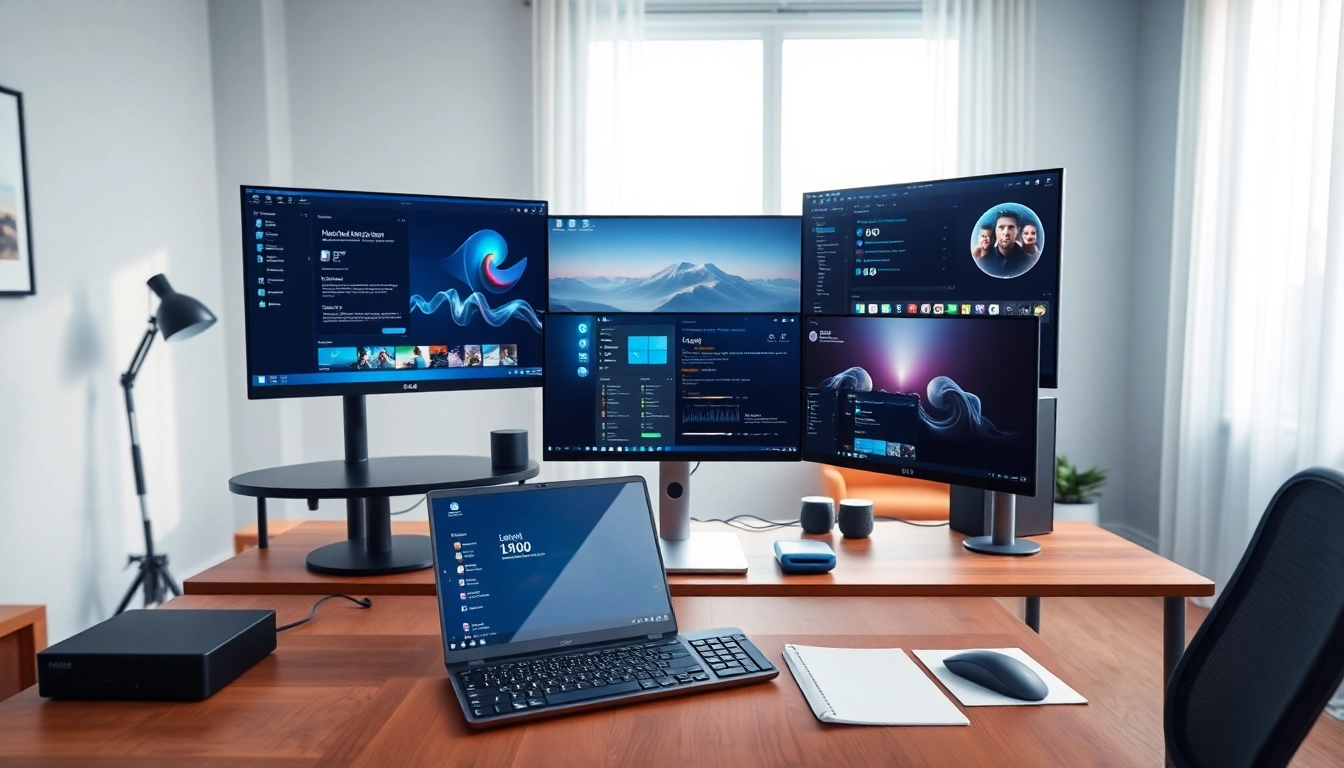
Organizations often find themselves managing multiple virtual desktop environments due to having different user needs. Effective management of these various desktops is crucial for ensuring a smooth user experience.
Utilizing centralized management tools can simplify this process, allowing administrators to manage user settings, applications, and updates from a single interface. Creating standardized images for different user profiles can also streamline deployment and maintenance, ensuring every user has the resources they need without unnecessary complexity.
Future Trends in Virtual Desktop Technology
Integration with Cloud Services
The future of virtual desktop technology is closely aligned with cloud services, as organizations seek to leverage scalable and reliable infrastructure. Integration with cloud services allows virtual desktops to provide dynamic resource allocation based on user demands, making it easier to expand or contract environments based on needs.
As cloud solutions continue to evolve, we can expect better integration capabilities, allowing for seamless migration and management of virtual desktop technologies in hybrid cloud models.
Advancements in User Interface and Experience
User experience (UX) is a focal point for the future of virtual desktops, with advancements being made to create more intuitive interfaces. Integrating tools such as AI can enhance the user experience, providing smart functionalities like predictive text and automated suggestions based on usage patterns.
Moreover, enhancing visual appeal and responsiveness can foster better user engagement and satisfaction. The ongoing shift towards aesthetically pleasing environments will likely play a pivotal role in user adoption and productivity.
Potential Impact on Remote Work Dynamics
The rise of virtual desktops is fundamentally changing remote work dynamics. As businesses increasingly adopt virtual services, the traditional boundaries of workplace geography are dissolving. This broadening flexibility enhances work-life balance and operational agility while allowing organizations to tap into global talent pools.
Looking forward, the implications for remote work will continue to unfold, driving innovations that further bridge the gap between in-office and remote experiences, demonstrating how crucial virtual desktop solutions are to the future of work.